
The Only Pages Your Website Actually Needs to Start
If you’ve been staring at your blank website thinking you need twelve pages, a logo suite, brand photography, and a perfectly structured navigation before you can “launch.”
Let’s simplify this.
When I first started Sweet Planit, I went all in on planning content. I wrote and published. I kept going. And then something interesting happened.
The direction revealed itself.
I realized planning wasn’t the full story. Planning was the tool I used to run businesses, write books, manage YouTube, and build websites. That pivot didn’t come from sitting around redesigning the homepage.
It came from publishing.
If I had waited until everything was positioned perfectly, I would still be waiting.
So let’s strip this down.
If you want to build a website as a business, here are the only pages you actually need to start.
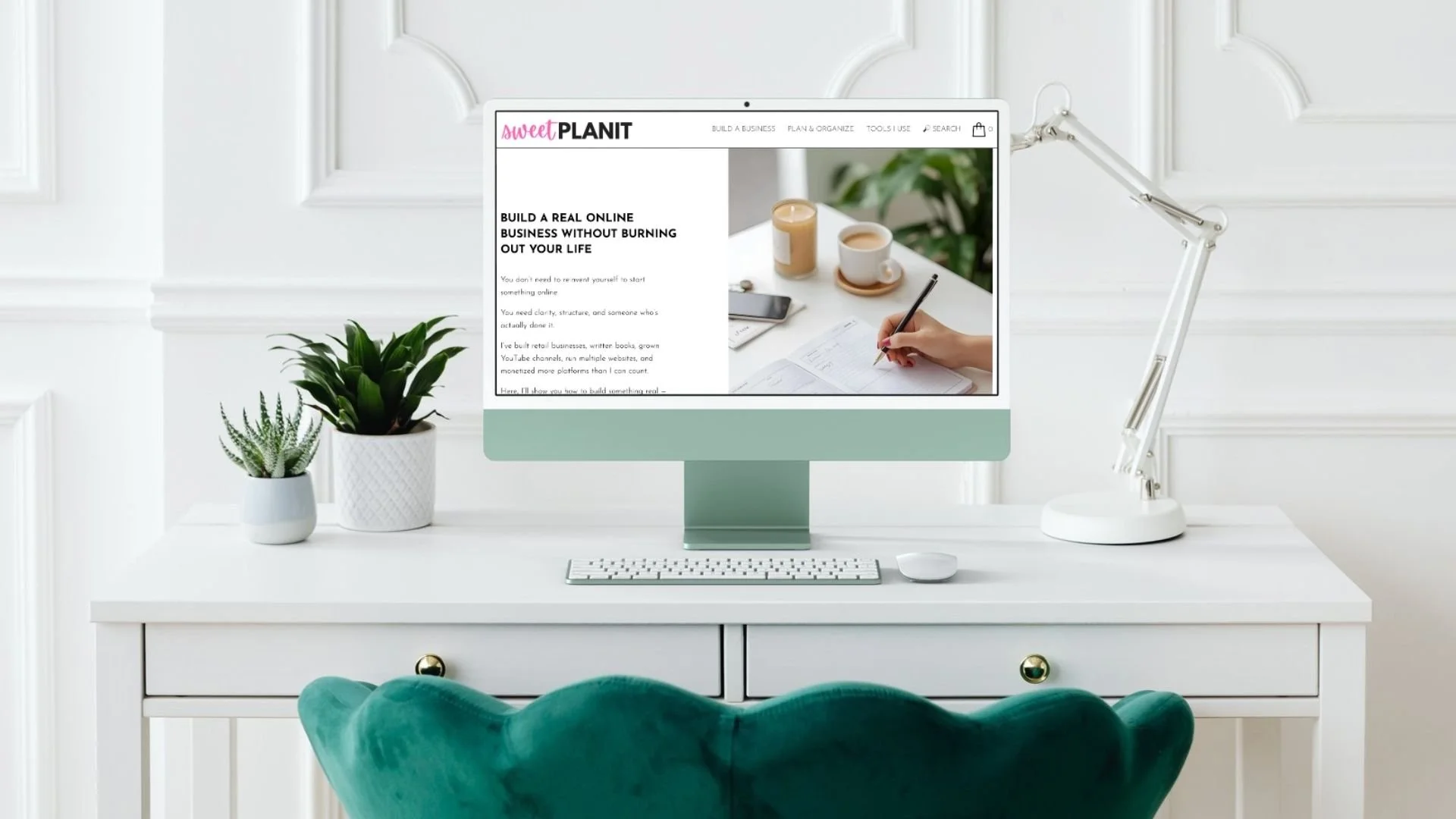
1. A Clear Homepage
Not a complicated one.
A clear one.
Your homepage does not need to explain your entire life story. It needs to answer one question quickly:
Who is this for?
Not in a cute way. Not in a clever way. In a clear way.
When someone lands there, she should immediately know:
This is for someone like me.
She understands what I’m trying to do.
I can find what I need here.
A good-enough homepage at the beginning includes:
A simple headline that signals who the site is for and what it helps with
A short paragraph explaining what she’ll learn or gain
3–5 clearly labeled content categories (your pillars)
A few featured posts
That’s it.
You do not need:
A polished brand shoot
Ten sections
Fancy animations
A complicated layout
At this stage, your homepage is a doorway. It does not need to be a museum.
Because when you overbuild your homepage before you’ve written content, you’re designing around guesses.
What will happen is you end up redesigning it three months later.
What to do: Write 20–30 articles first. Then refine the homepage around what you actually created.
Also know that your homepage will change as you and your content grow. It’s not stagnant and isn’t meant to be.
2. An About Page That Serves the Reader
Your About page is not a résumé.
It’s not a diary.
It’s not a timeline of everything you’ve ever done.
Yes, include a bit about you. Your experience matters. Your story builds trust.
But the most important part of your About page is this:
Why this site exists and how it helps her.
When someone clicks “About,” she’s thinking:
Can I trust this woman?
Does she understand what I’m trying to do?
Is this worth my time?
So structure it like this:
A short intro about who you are
Why you started this site
What she will gain by being here
A few links to your most helpful posts
Notice what’s missing?
No random updates.
No “last weekend I…”
No journal entries.
Websites in 2026 are not online diaries. If you want to journal, use Substack or Instagram.
Your website is a business asset. Treat it like one.
3. A Blog Structure (Even If You Don’t Call It That)
If you’re going to build traffic, you need searchable, linkable content.
The easiest way to do that is through articles.
Whether you’re on Squarespace (like I am), WordPress, or something else, you need a content structure that allows you to:
Publish posts
Categorize them
Link them to each other
This is how authority builds.
It’s also how monetization builds.
If your content lives in scattered, standalone pages, you lose that internal connection that strengthens your site over time.
Random standalone pages feel disconnected.
And that makes it harder for readers (and platforms like Pinterest or Google) to understand what you’re about.
What to do: Choose 3 main content pillars. Stay inside them. Publish consistently inside those buckets.
For example:
If you were building a candle-making site:
Tools & techniques
History & craft
Modern trends & novelty candles
Clear lanes. Repeatable structure. Depth over randomness.
4. A Simple “Start Here” Page (Once You Have Content)
You don’t need this on Day 1.
But once you have 15–30 articles, create a simple Start Here page or section on your Homepage.
This is a guided path for new readers.
It can include:
Your 3–5 foundational posts
A short explanation of how to use the site
A link to your freebie (once you have one)
Think of it as a curated entry point.
When your site grows, it can feel overwhelming for the reader.
And then those new readers bounce because they don’t know where to begin.
What to do: Create a clean, well-defined path once you have enough content to guide them.
5. Legal Pages (Add Early, Not Day One)
If you plan to monetize, and you should, you’ll need:
Privacy Policy
Terms
Disclaimer
These don’t need to hold up your launch.
But they do need to exist before:
You start serious affiliate linking
You run ads
You collect emails
Add them early in the process. Just don’t use them as an excuse to delay publishing.
Related Post: Beginner Content Strategy That Doesn’t Take Over Your Life
What You Don’t Need (Yet)
There really are things you don’t need when you start, and I’ve found these are the things that can trip up people for months and keep them from ever getting started.
You do not need:
The perfect logo
Five versions of your brand board
Custom fonts
A complicated theme
Twelve navigation tabs
A full email funnel
Right now, no one knows you exist.
That’s not discouraging. It’s freeing.
You are writing for no one at the beginning. And that’s okay.
Your job is not to impress strangers.
Your job is to build something useful.
Write 20–30 helpful, focused articles inside clear pillars.
Then:
Refine navigation
Add email opt-ins
Layer in affiliate links
Build a simple digital product
Grow toward ads like MediaVine once traffic is consistent
Monetization builds on structure.
Structure builds on content.
Not the other way around.
The Diary Trap (Without Being Judgy)
Here’s the difference between a diary and a brand:
A diary says, “Here’s what I did.”
A brand says, “Here’s how this helps you.”
You can absolutely share stories from your life.
But they should serve the reader.
When I pivoted Sweet Planit, I didn’t archive the planning posts. They still bring traffic. But I shifted the navigation, the homepage message, and the pillars so the direction was clear.
I didn’t wait for perfect clarity.
I wrote my way into clarity.
You will too.
Related Post: How to Build a Website That Feels Like A Brand
If You Want This to Make Money
Then structure matters.
To monetize eventually, you’ll need:
Clear niche
Defined content pillars
Consistent publishing
Internal linking
An email list
Start with content.
Then:
Add a simple freebie
Use Amazon or relevant affiliate programs
Later, build your own digital product
Eventually, apply for stronger ad networks
But none of that works if your site feels scattered.
Clarity first.
Revenue second.
Here’s my simple launch checklist!
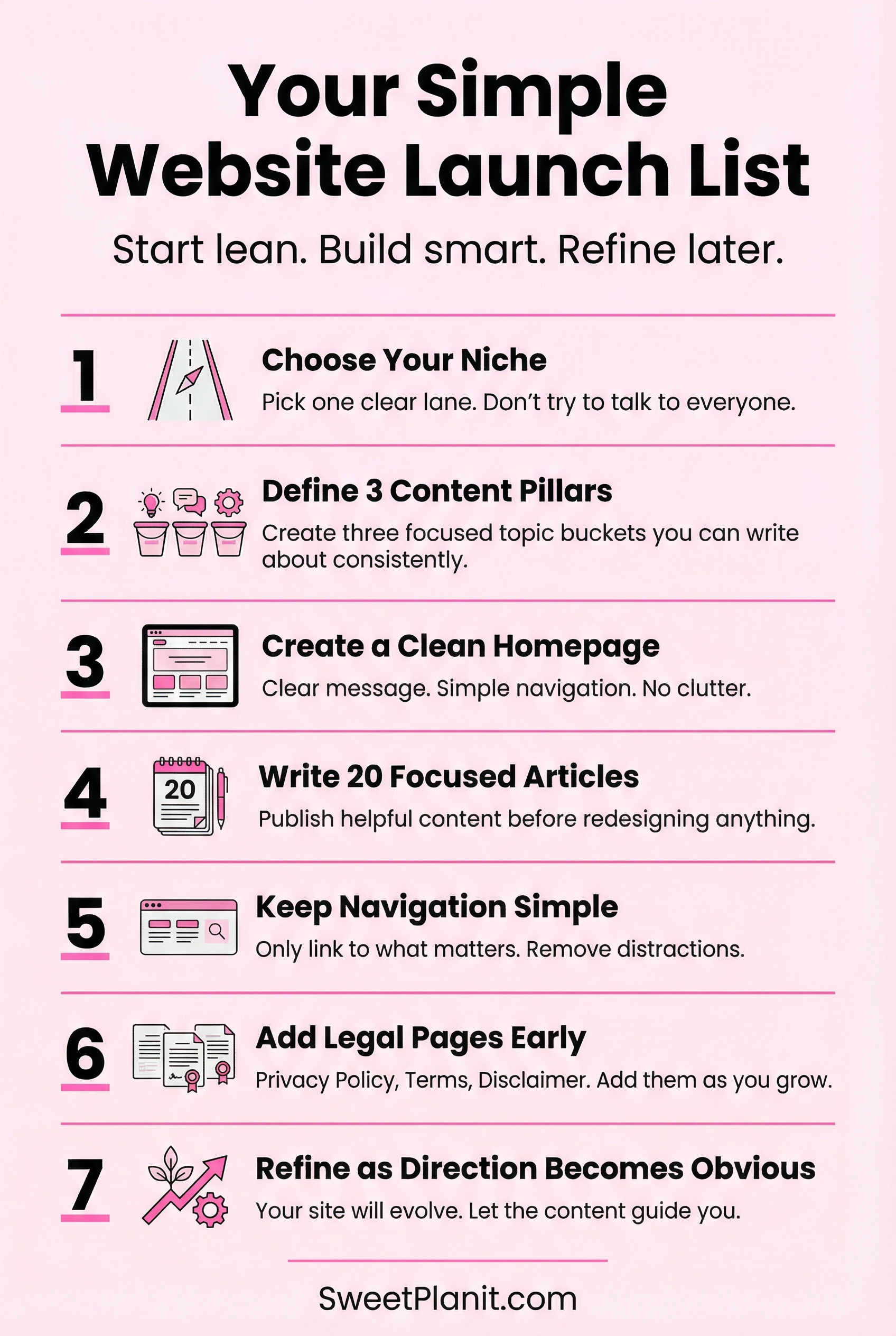
Your Simple Website Launch List
If you’re overwhelmed, just do this:
Choose your niche
Define 3 content pillars
Create a clean homepage with a clear message
Write and publish 20 focused articles
Keep navigation simple
Add legal pages early
Refine as the direction becomes obvious
That’s it.
You need forward motion, even if it’s just 20 minutes a day.
And if you’ve been waiting until everything feels “ready,” consider this your nudge.
Build it simple.
Write consistently.
Let the direction reveal itself.
You can do this!




Thinking about starting a website in 2026 but wondering if AI and social media have made blogs irrelevant? This post breaks down what’s actually changed, why platforms like Instagram and Facebook are rented space, and when building your own website still makes strategic sense. If you’re a woman over 40 building an online business and want something you control, not just followers you borrow, this will help you decide your next move with clarity.