
Paper vs Digital Planner: Which One Fits Your Brain?
If you’ve ever stood in the planner aisle (or scrolled Amazon at midnight) thinking,
“Why does this work for everyone else but not for me?”
You’re not alone.
Paper planners look comforting. Digital planners look efficient. And somehow, whichever one you’re using starts to feel… wrong after a while.
This usually isn’t because you picked the “wrong” planner.
It’s because your brain might not work the way the planner assumes it should.
Let’s talk through this quietly and honestly, without turning it into a debate or a personality test.
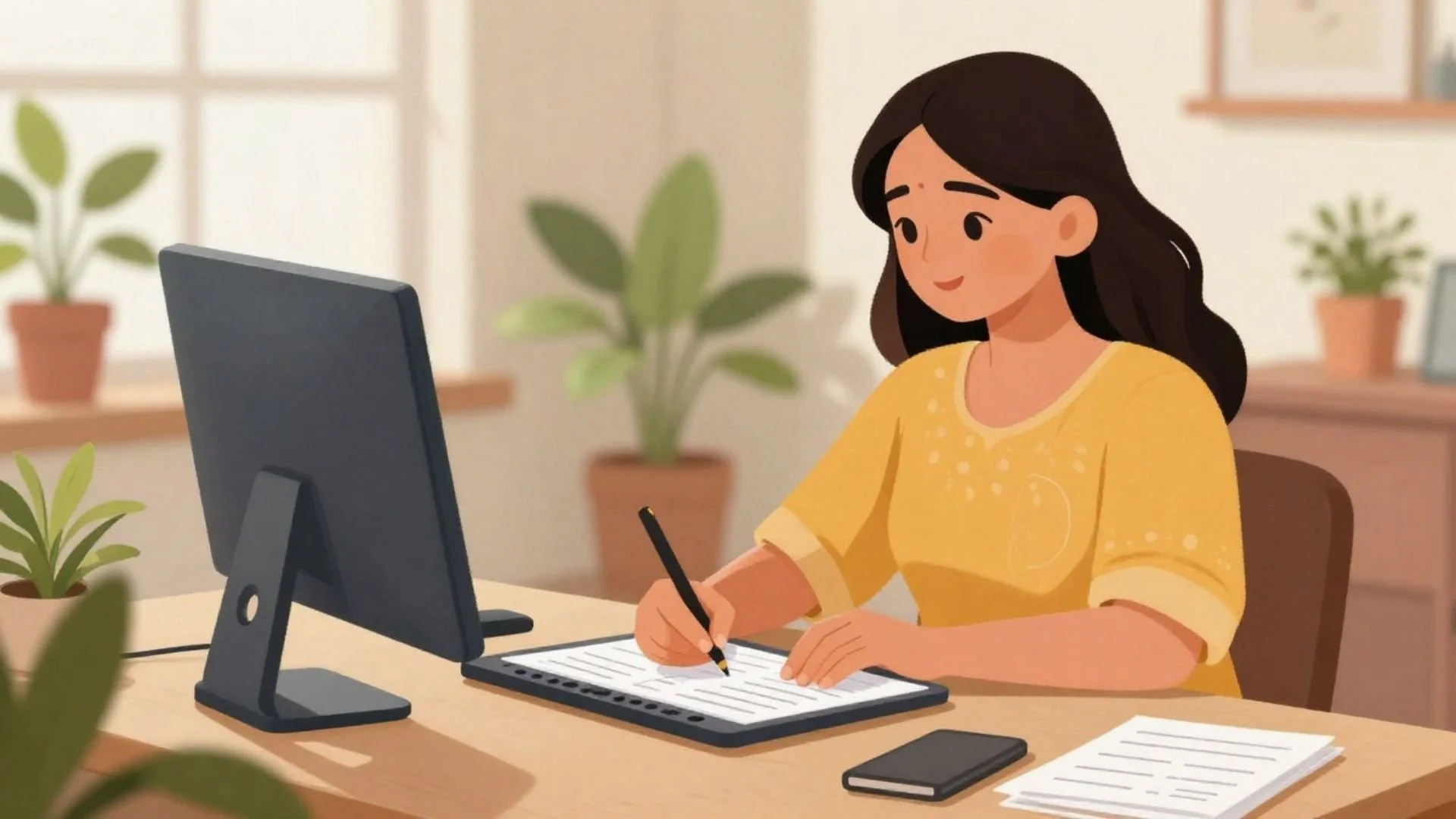
Why paper planners feel so good (at first)
There’s a reason so many of us start with paper.
Writing things down slows your brain down. It helps you process. It gives you a physical place to land your thoughts instead of carrying them around in your head.
Paper planners are especially good for:
brain dumps
to-do lists
daily Top 3s
notes and thinking on the page
seeing progress visually
They feel grounded. They feel personal. They feel real.
But paper planning also comes with a downside that no one talks about until you’re living it.
Related Post: 9 Small Planning Wins That Matter More Than Big Goals
Where paper planners start to feel frustrating
If your schedule changes often, paper can start to feel like work instead of support.
Every moved appointment means erasing, rewriting, crossing out, or squeezing something into the margins. Pages get messy fast. Not “lived-in” messy, but annoying messy.
And when your planner starts to look chaotic, it can make your brain feel chaotic too.
That’s usually the moment when people start thinking,
“Maybe I need something digital.”
Related Post: The Planner Aesthetic Trap
Why digital planners feel like a relief (until they don’t)
Digital planners solve one very real problem: flexibility.
You can move things around easily. Your calendar stays clean. You can see your schedule from your phone, tablet, or computer without carrying anything extra.
Digital works beautifully for:
appointments
meetings
time-specific commitments
anything that needs to shift often
But digital planning has its own friction.
For a lot of women, it’s not where thinking happens best.
Typing a to-do list doesn’t feel the same as writing it. Brain dumps can feel scattered. Notes disappear into apps and folders. And suddenly you’re opening three different tools just to answer one simple question: What am I doing today?
That’s where the frustration creeps back in.
Related Post: How to Make a Daily To-Do List That Actually Gets Done
Where I finally landed (and why it worked)
For a long time, I was a true paper-planner girlie. I loved it. I still do.
But my schedule changes constantly, and I was tired of fighting my planner every time it did.
So I tried going fully digital.
That solved the schedule problem…but created a thinking problem.
I still needed a place to:
write to-do lists
do quick brain dumps
choose a daily Top 3
take notes while processing things
Digital just wasn’t cutting it for that part of my brain.
So instead of forcing one system to do everything, I stopped asking it to.
What I use now is a hybrid setup, and for my current life, it’s ideal.
I use a digital planner from Artful Agenda for my schedule. It syncs to my phone, iPad, and desktop, so I can see my calendar wherever I am. Appointments live there. Time-specific things live there.
If you want to try Artful Agenda, use this referral code: RN1174402 to receive a premium cover and sticker pack!
Anything that needs to move easily lives there.
And I use a paper planner for everything else.
My to-do lists.
My brain dumps.
My daily Top 3.
My notes.
Paper is where I think.
Digital is where I schedule.
That one decision removed a surprising amount of friction.
I didn’t switch because paper planning was wrong.
I didn’t switch because digital was better.
I switched because my life changed, and my system needed to change with it.
Related Post: How to Make Your Planner a “Calm Corner”
The real question to ask yourself
Instead of asking,
“Which planner is better?”
Try asking:
Where do I think best?
Where do I need flexibility?
What am I asking my planner to do right now?
If your planner is trying to be:
a calendar
a task manager
a notebook
a goal tracker
a decision maker
…all at once, it’s going to feel heavy no matter what format you choose.
Sometimes the answer isn’t switching systems.
It’s dividing responsibilities.
Related Post: Why Your Planner Isn’t the Problem (And What Actually Is)
A gentle reframe before you decide
You don’t have to commit to one planner identity forever.
You’re allowed to:
change systems mid-year
use more than one tool
stop forcing what used to work
build something that fits now
Planning isn’t about loyalty to paper or digital.
It’s about support.
If your planner is helping you think more clearly, make better decisions, and feel less scattered, you’re doing it right.
Even if your system looks different from everyone else’s.
Related Post: 12 Ways to Reset Without Starting Over
Happy planning!


Not sure if you should use a paper planner or go digital? This simple guide breaks down the real-life pros and cons, what each style is best for, and how to tell what will actually stick for you. Includes a hybrid option if you need flexibility for scheduling but still want paper for to-do lists, notes, and brain dumps.